

Never lose a great podcast moment again
Capture, transcribe, and save podcast highlights instantly with a simple tap. Turn your listening into lasting knowledge.
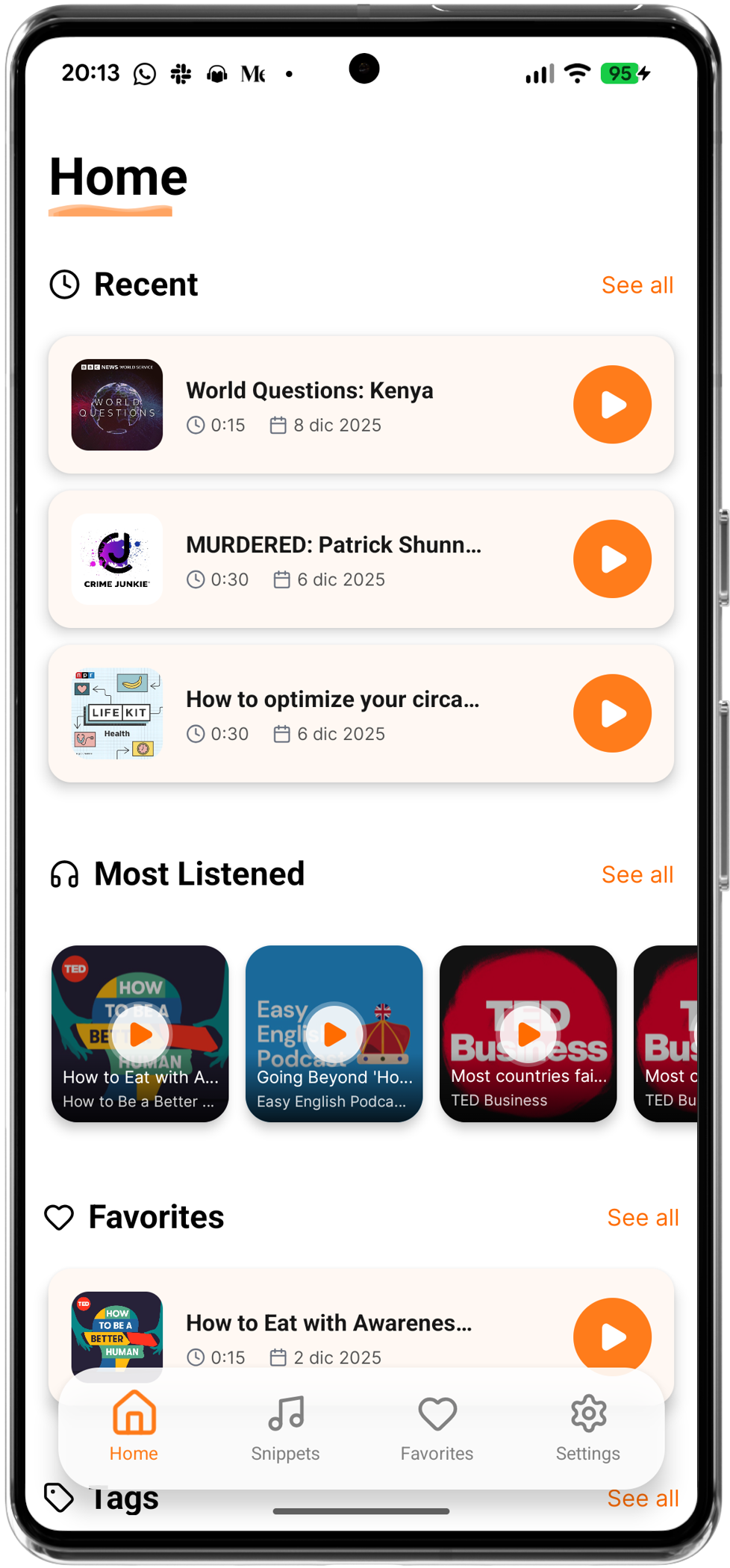
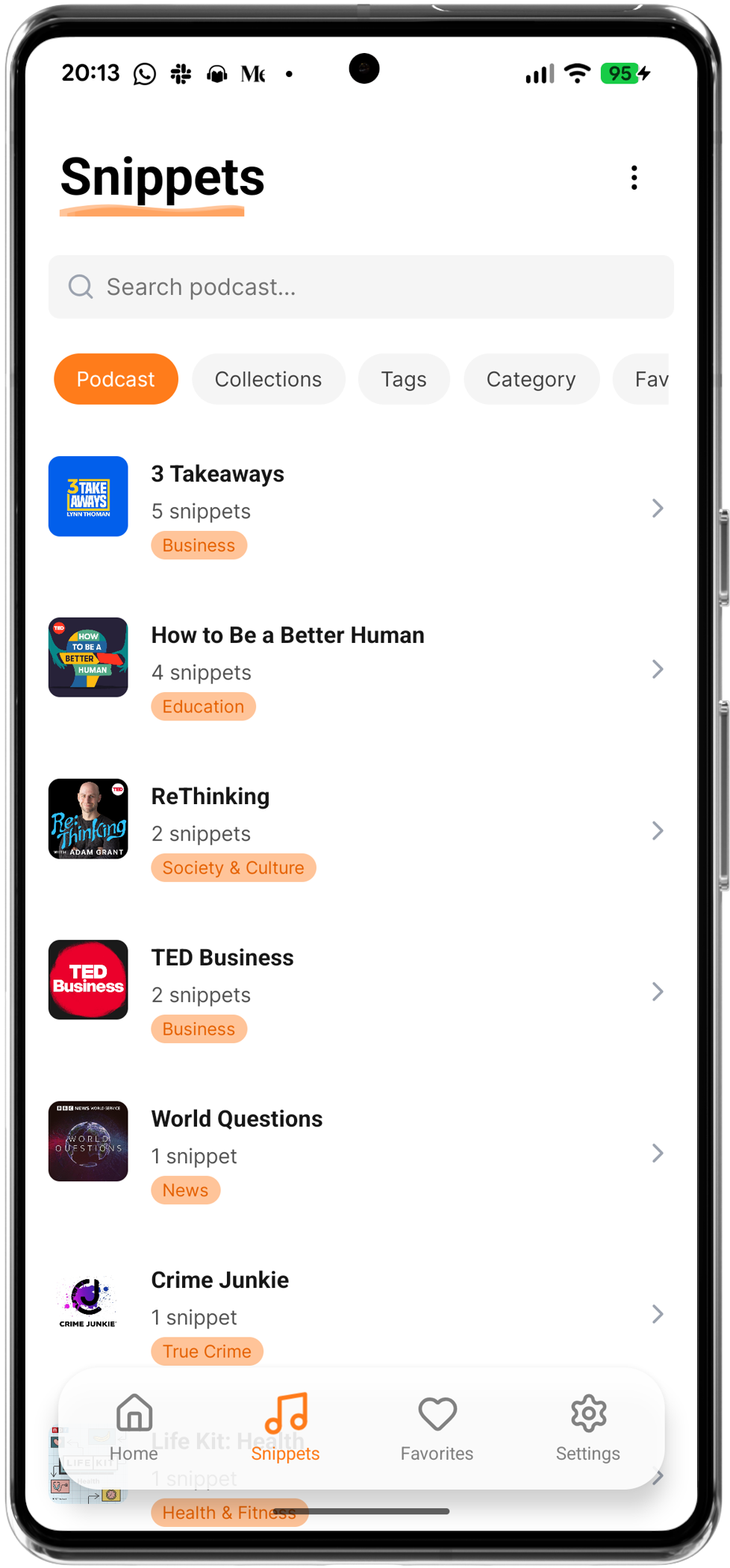
Capture, transcribe, and save podcast highlights instantly with a simple tap. Turn your listening into lasting knowledge.

Save the last 30 seconds of audio with a simple gesture or tap. Works seamlessly in the background with Spotify, Podcast Addict, Pocket Casts, Amazon Music, and all your favorite podcast players.

Automatically convert your audio snippets into text. Read, edit, and share your highlights with ease. Never miss a quote or important detail.

Keep your snippets organized with custom tags and collections. Build your personal library of wisdom and easily find what you're looking for.

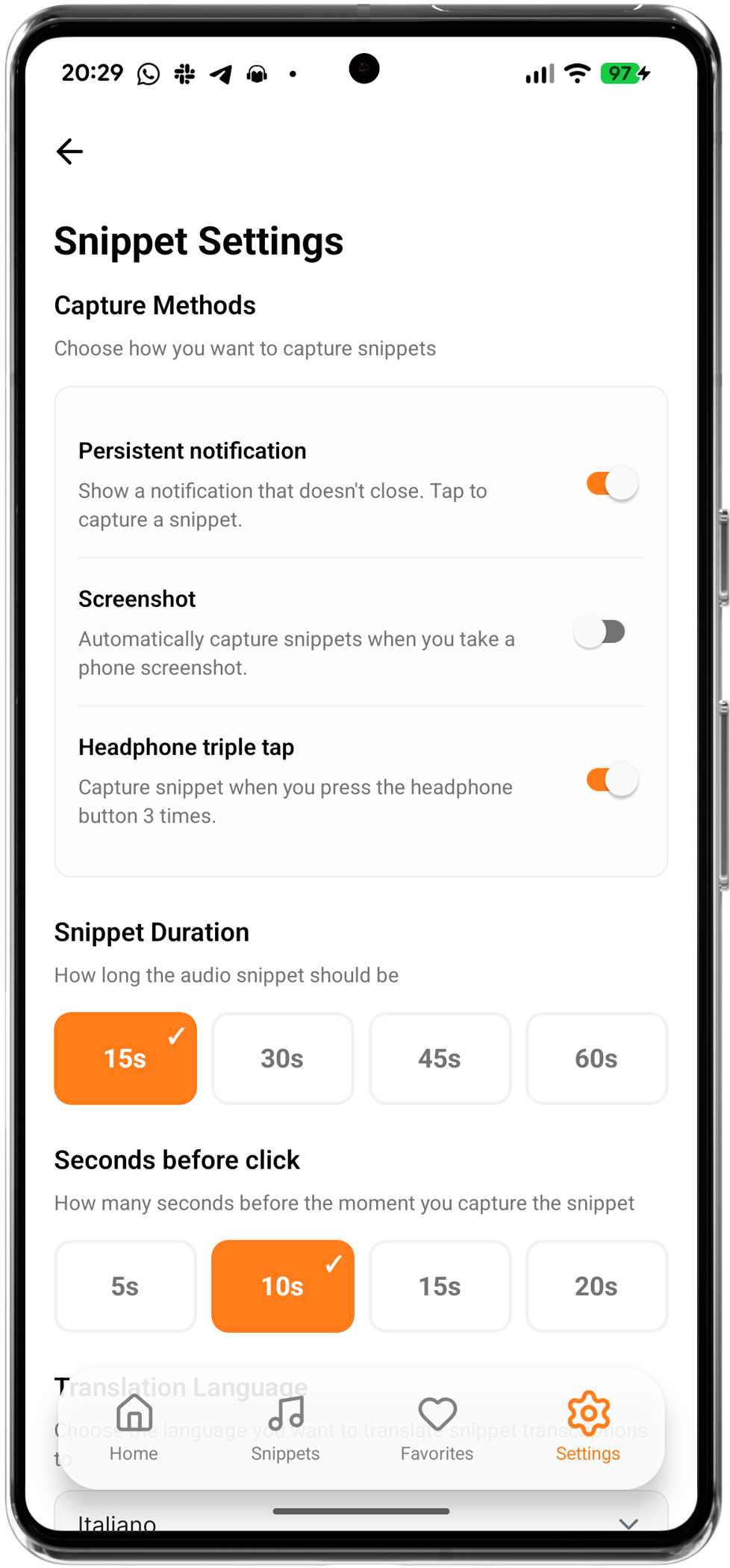
Use headphone controls (triple-tap) to capture moments without even taking your phone out of your pocket. Perfect for on-the-go listening.

Share snippets with friends or export to CSV, PDF, Notion, Markdown, and Obsidian. Your highlights, everywhere you need them.

Capture and save snippets even when you're offline. Your highlights are stored locally and will sync automatically when you're back online.
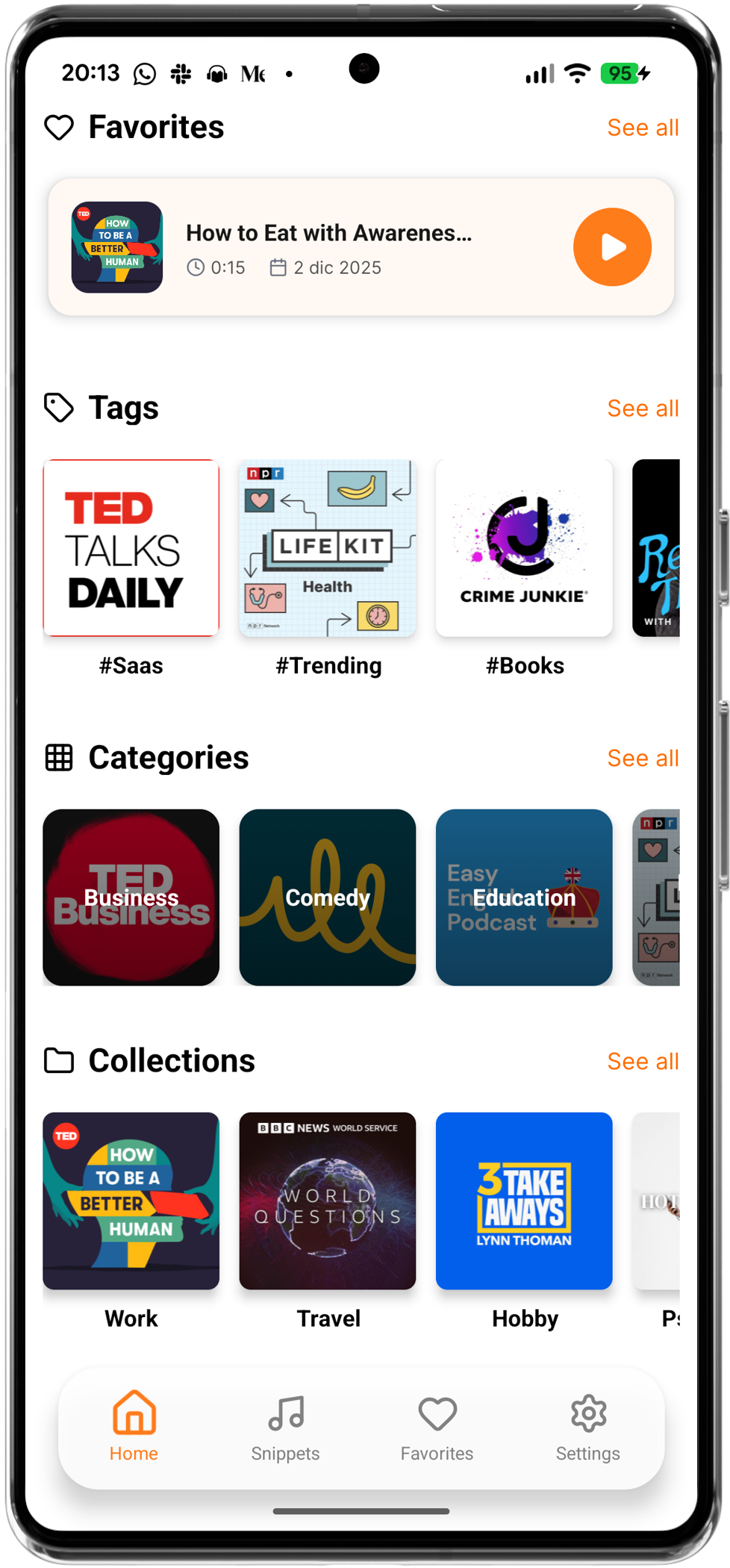
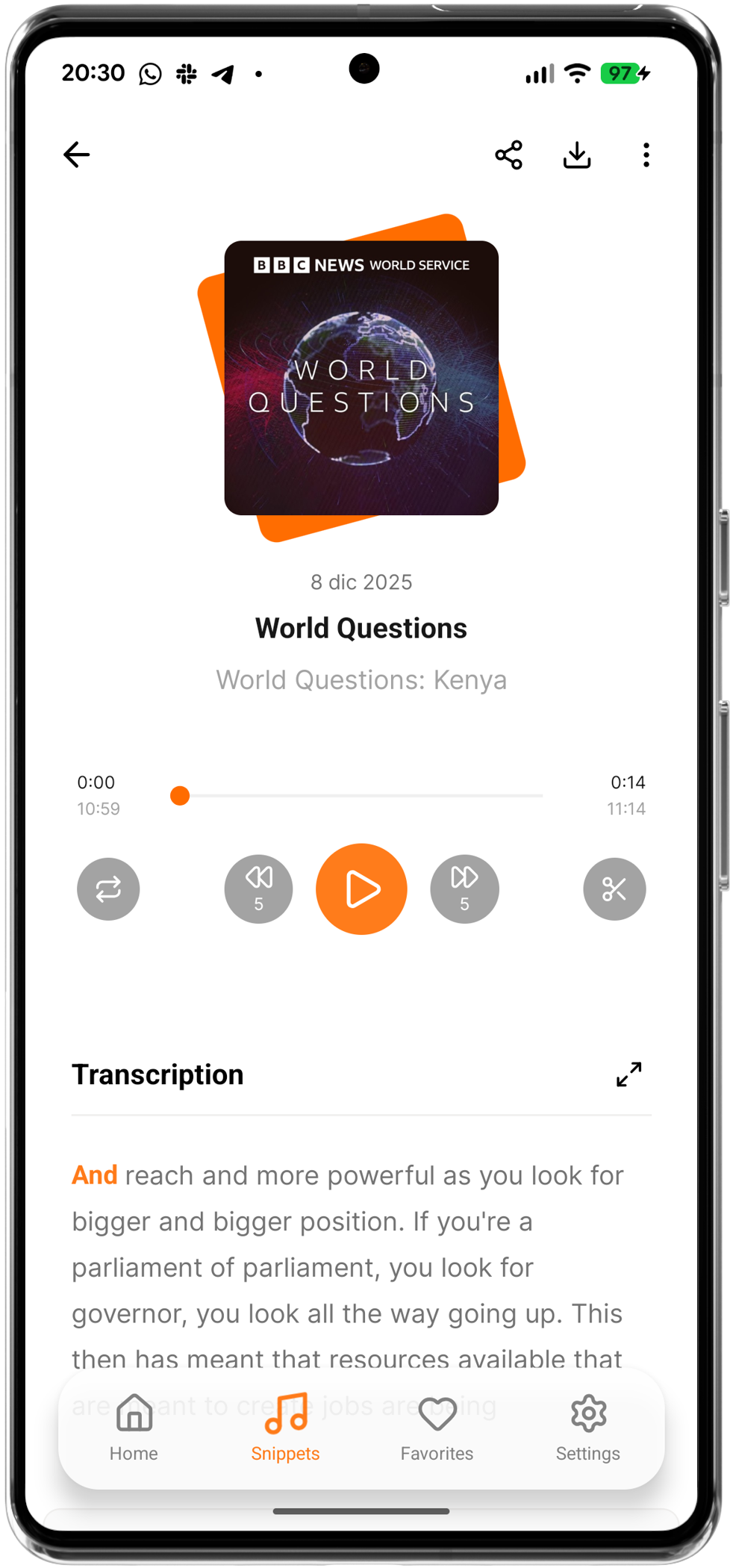

Podclip works seamlessly in the background, capturing audio from any podcast player. No need to pause or switch apps—just tap or use your headphone controls to save what matters.

Our AI-powered transcription automatically converts your audio snippets into text. Search, edit, and organize your highlights with ease. Never lose track of important information.

Organize your snippets with custom tags and collections. Create your own library of wisdom, quotes, and insights. Find exactly what you need, when you need it.
Whether you're a student capturing key points, a researcher saving references, or a casual listener keeping favorite moments, Podclip helps you turn your listening into lasting knowledge.
Podclip integrates seamlessly with Spotify, Pocket Casts, Podcast Addict, Amazon Music, and all major podcast players. Capture from any source, anytime.
Capture, transcribe, and organize with just a few taps. No complicated setup—just start capturing and building your knowledge base.
Be among the first to experience Podclip. Sign up now and get early access to exclusive features, updates, and special launch-day benefits.
We respect your privacy. Unsubscribe at any time.
Everything you need to know about Podclip. Can't find what you're looking for? Contact our support team.
Podclip is a podcast highlighting app that lets you capture, transcribe, and organize audio snippets from your favorite podcasts. Simply tap, use headphone controls, or take a screenshot to instantly save audio moments, which are automatically transcribed into searchable text. Customize snippet duration and settings to match your needs.
Podclip works with all major podcast players including Spotify, Pocket Casts, Podcast Addict, Amazon Music, and more. It captures audio in the background, so you can use it with any audio playing app on your device.
Podclip is currently available on Android. You can download it from the Google Play Store. iOS support is planned for the future, but due to system restrictions on iOS that make the core functionality challenging to implement, we're focusing on Android first. Stay tuned for updates!
Our free version includes 3 snippets per day with automatic transcription. Once you reach the daily limit, you can continue capturing snippets, but they won't be automatically transcribed. You can organize all your snippets with tags and collections, and share them with others. Premium plans offer unlimited snippets with transcription and additional features like translation and advanced organization tools.
Our AI-powered transcription uses advanced speech recognition technology to provide highly accurate transcriptions. You can always edit the text if needed. The accuracy depends on audio quality and background noise, but typically exceeds 95% accuracy for clear audio.
Yes! Podclip supports headphone controls for hands-free capturing. Simply triple-tap your headphone button to capture a snippet without taking your phone out of your pocket. This feature works with most Bluetooth and wired headphones.
Capture Methods: Use the permanent notification for quick access, triple-tap your headphones, or take a screenshot of your screen. All methods capture the audio playing in the background instantly.
Settings: Customize snippet duration (15-60s) and seconds before click (5-20s) to capture audio that happened before you tapped. All settings are available in the Settings section.